Type colors
See every type's color on a wheel, and change it.
The color wheel
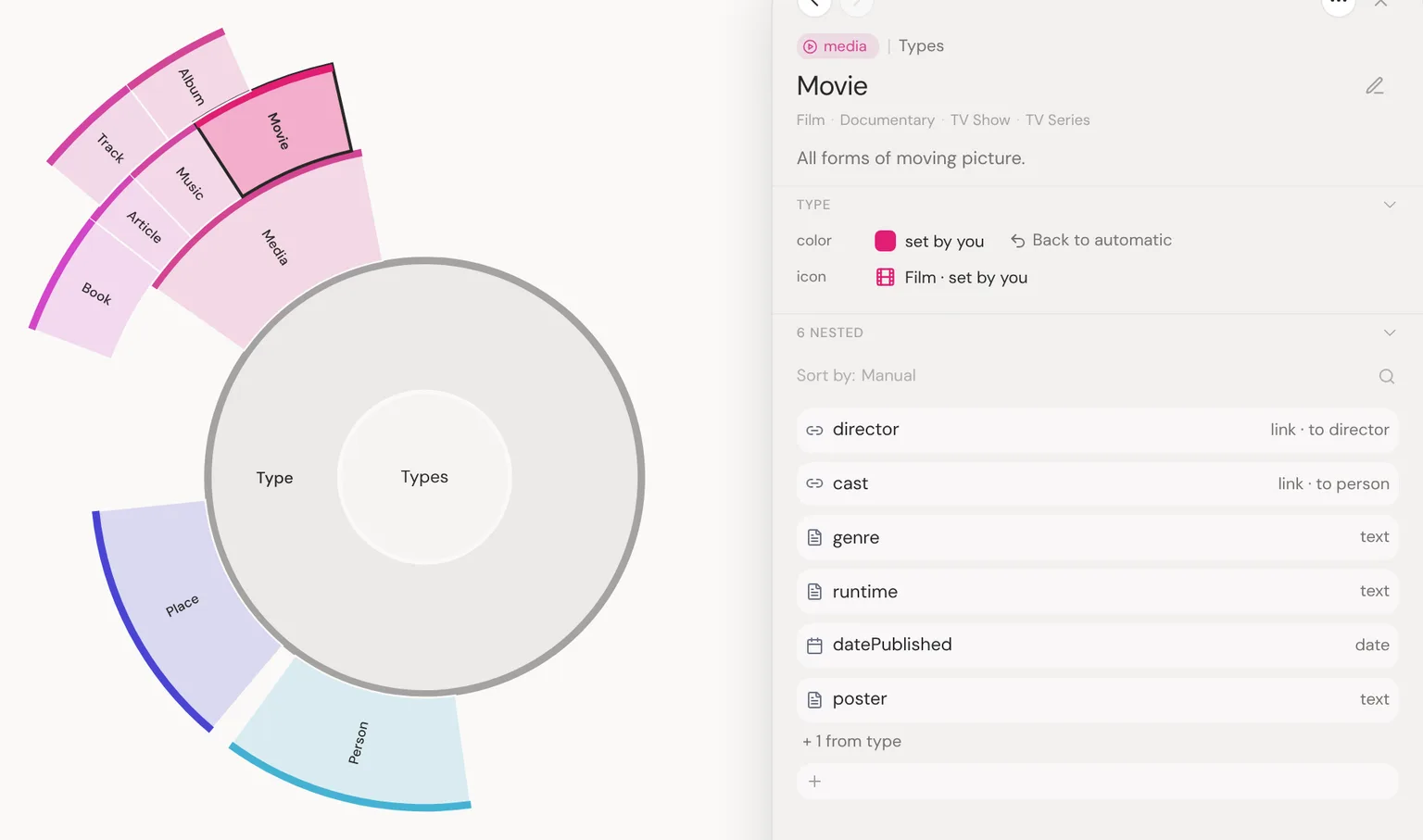
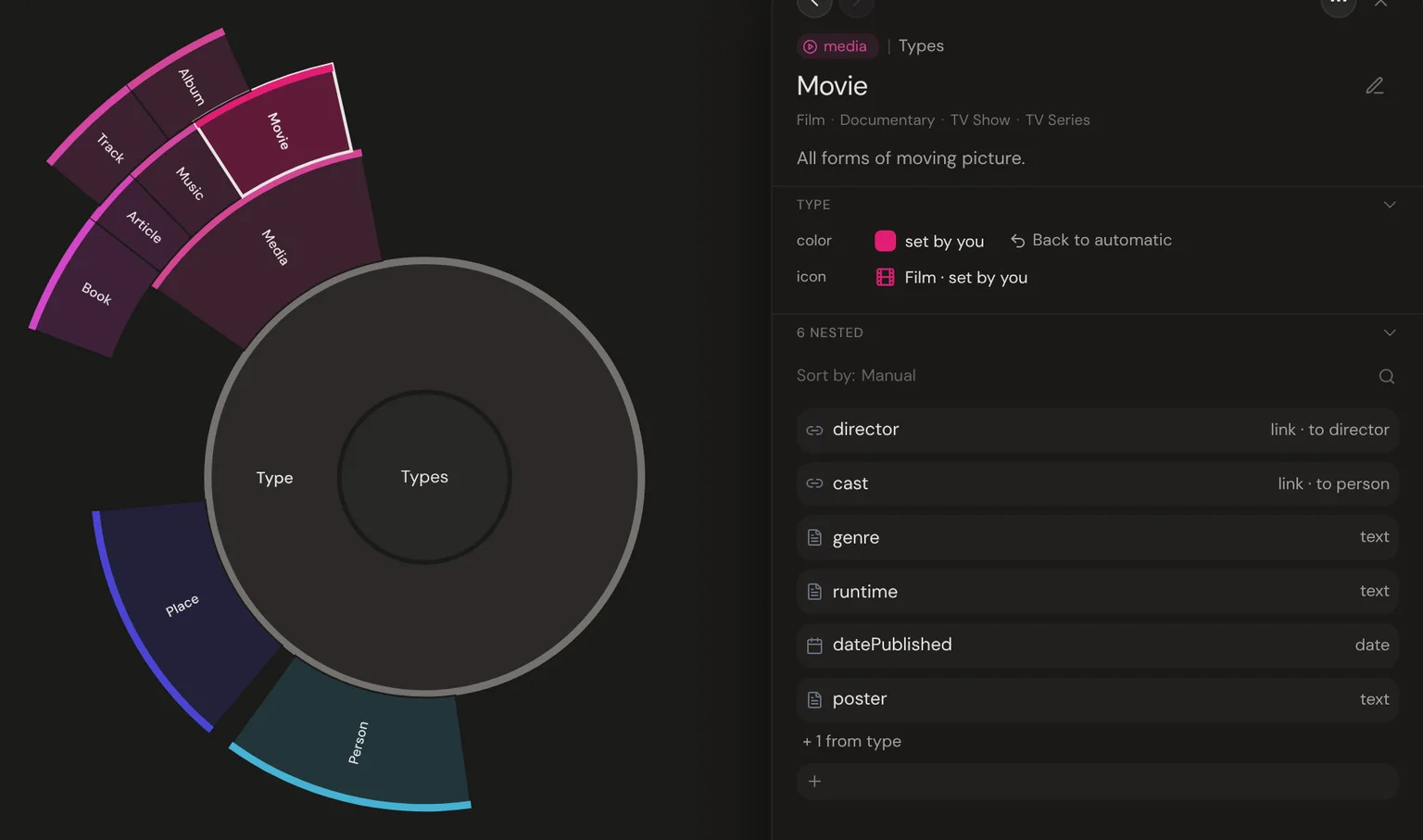
Show your Types card as the Wheel layout: it sorts by color, unless you picked another sort. Show Color Wheel in the command bar does both. Each type sits at its color, top types inside, the types under them further out.
Changing a type's color
Drag a type round the wheel, and the types under it with no color of their own move with it. For an exact color, select the type and click its color in the panel's Type section. A color you set stays.
| Shortcut | Action |
|---|---|
| Cmd/Ctrl + Z | Undo a color change |
Back to automatic
Select a type you set a color for, and click Back to automatic in the panel's Type section. It goes back to its place on the wheel, and its own types come along.
New types
A new type lands in free room near its family, so no other color moves. Built-in types start with the same color for everyone. Type, at the top, stays gray unless you give it a color.
Giving a type a parent
Give a type a parent, and its color moves next to the parent's other types. Its own types come along. Undo puts it back at its old color, and a color you set stays.