AI instructions
Tell AI how you like things done, once.
Your instructions
Open Settings and write in AI instructions how you like AI to work, like the language or tone you want. AI follows them in every garden. Only you see them.
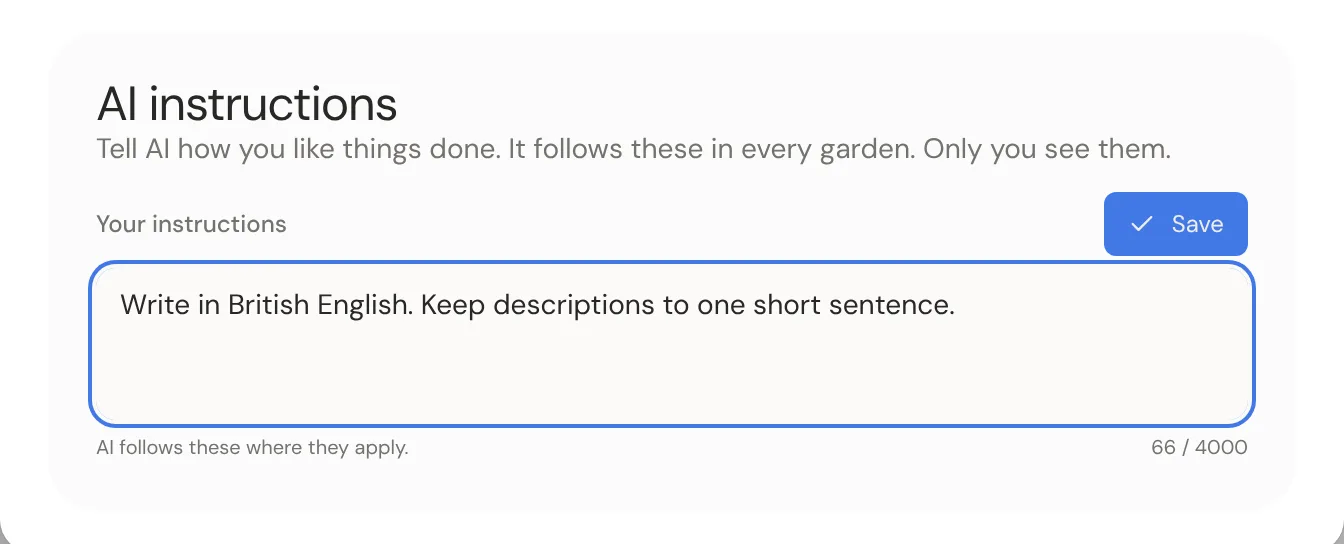
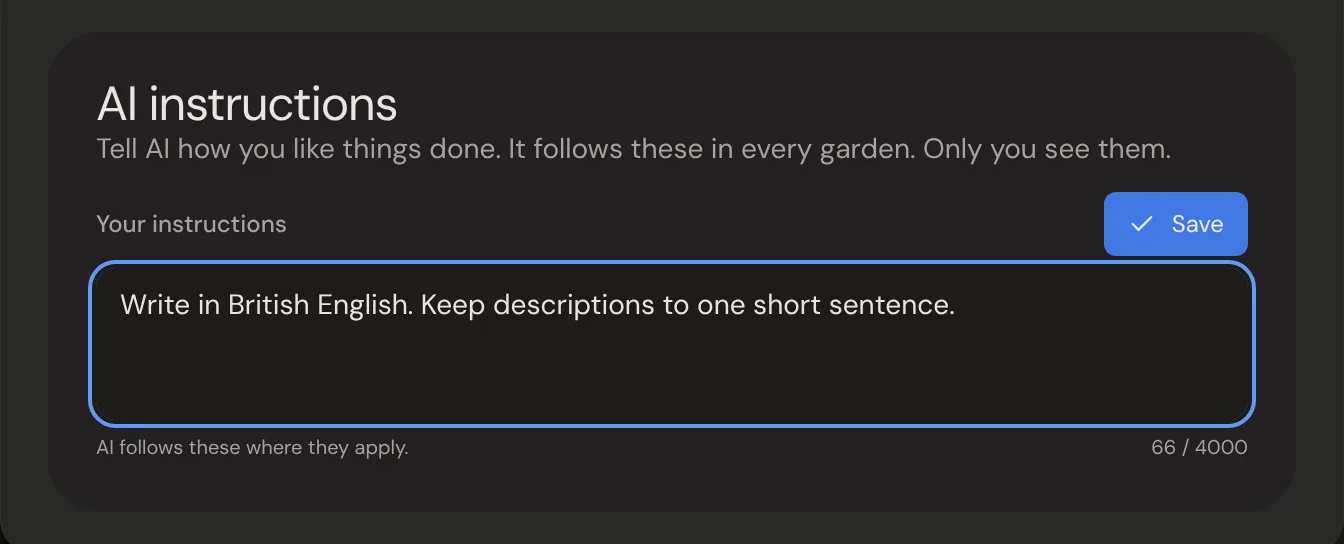
Instructions for a garden
Open the garden's panel and write under AI instructions, below the Goal. Everyone's AI in this garden follows them, and in the gardens inside it.
Instructions for a type
Open a type, like Restaurant, and write under AI instructions. For example: include hours, price range and a booking link. AI follows them whenever it fills in a thought of that type.
Ask AI offers to remember
When you tell Ask AI how you like something, it may offer to remember it. Edit the line if you like, then tap Remember to add it to your instructions. Tap Not now and nothing is saved.
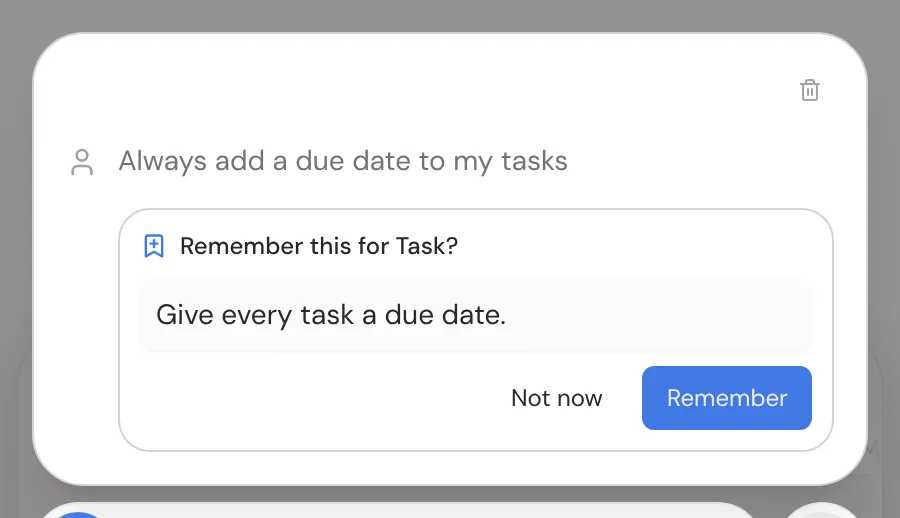
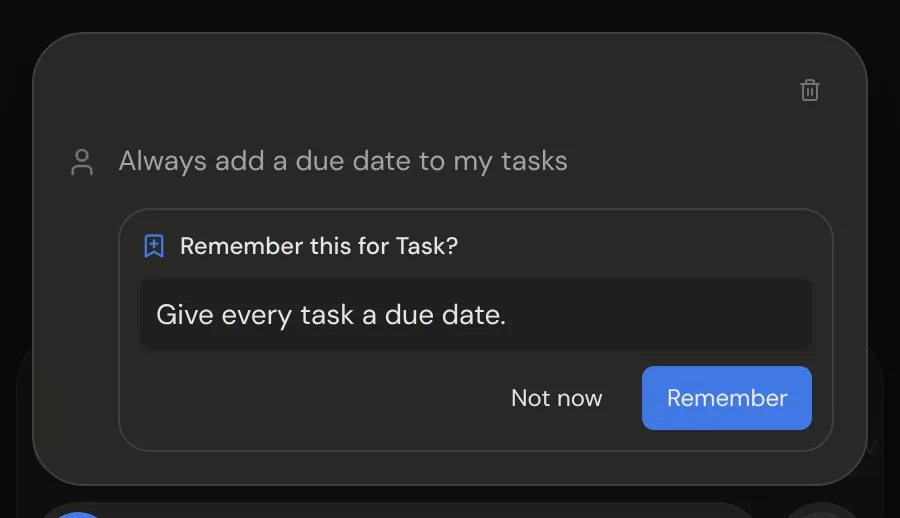
What AI uses them for
Ask AI, descriptions, filled-in fields and suggestions all follow your instructions. They are preferences: they never let AI skip a question it would ask first, like before a delete.
From the command bar
Press Cmd/Ctrl + K and type instructions to edit yours, this garden's, or the selected thought's type.
| Shortcut | Action |
|---|---|
| Cmd/Ctrl + K | Open the command bar |